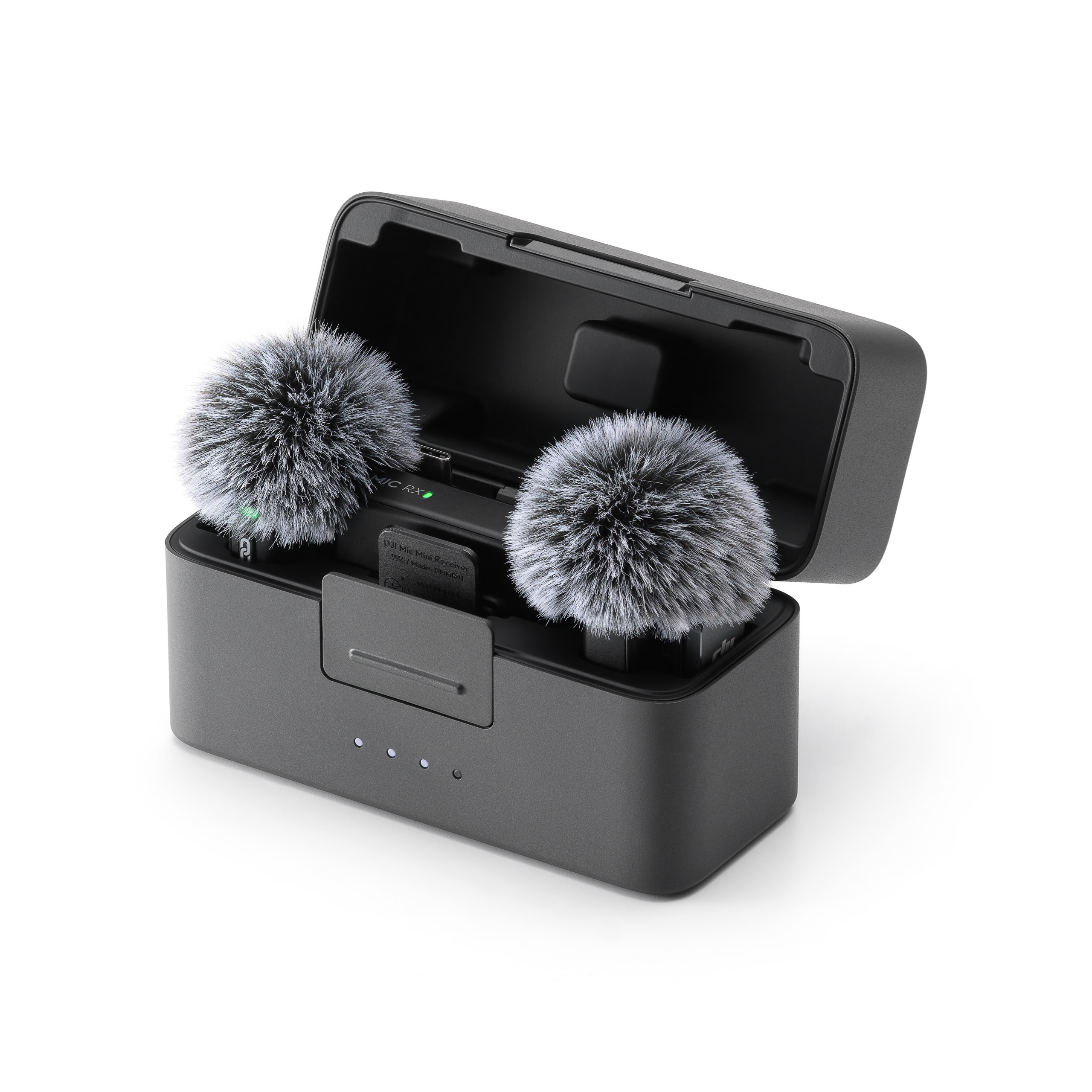
Which DJI microphone actually fits how you record?
Which DJI microphone actually fits how you record?
Wireless microphones are one of the fastest upgrades you can make to improve the professionalism of your content. Clear, stable audio immediately changes how videos feel—whether you’re recording short social clips, interviews, or paid client work.
DJI has structured its wireless microphone lineup around different creator risk levels, not just price points. While the DJI Mic Mini, DJI Mic 2, and DJI Mic 3 may look similar at a glance, they are designed for very different recording realities.
This comparison focuses on what actually matters once you hit record: battery runtime, wireless stability, internal recording safety, and onboard storage capacity.
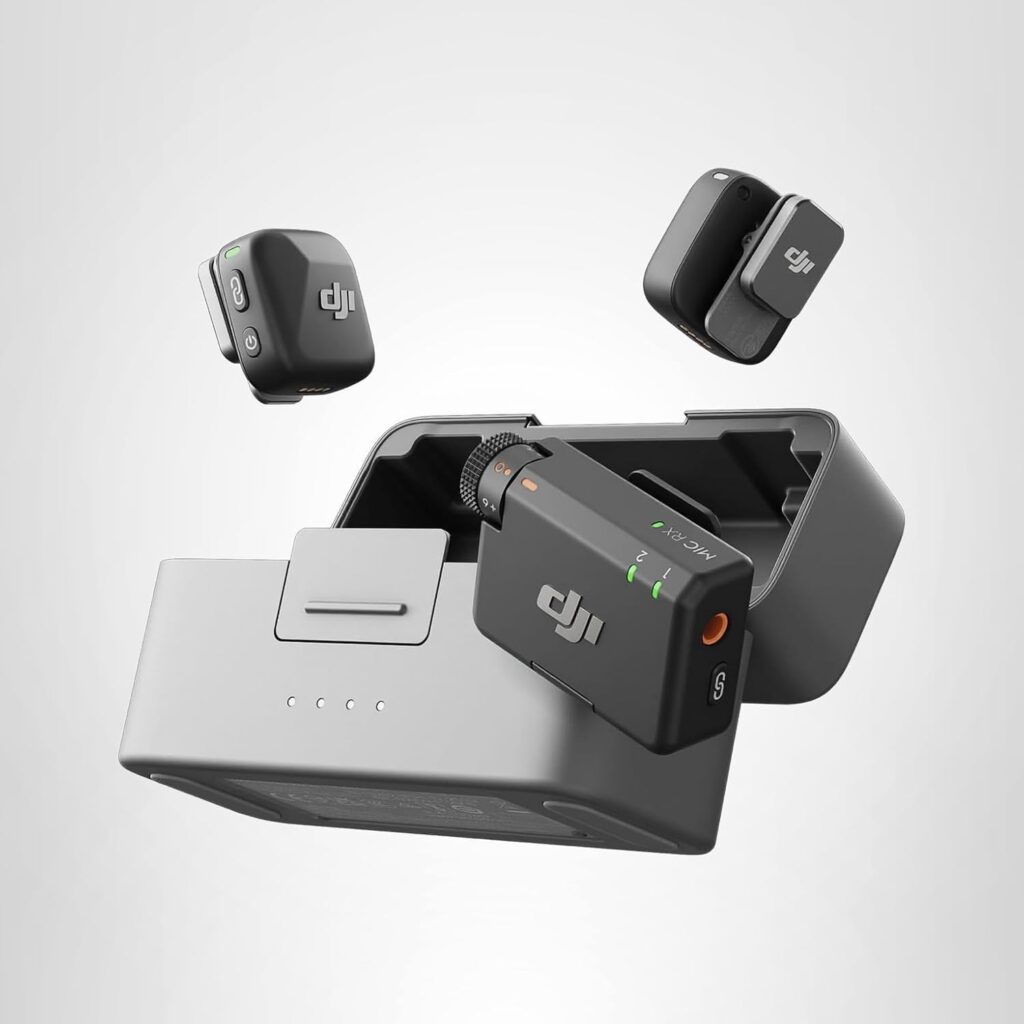
How DJI Positions These Three Microphones
DJI’s wireless microphone lineup breaks into three clear tiers:
- DJI Mic Mini — longest battery runtime, simplest design, no internal backup
- DJI Mic 2 — adds internal recording and safety storage
- DJI Mic 3 — built for redundancy, extended storage, and demanding environments
The decision isn’t about which mic sounds “better.”
It’s about how much margin for error your workflow requires.
DJI Mic Mini: Long Runtime, Simple Recording
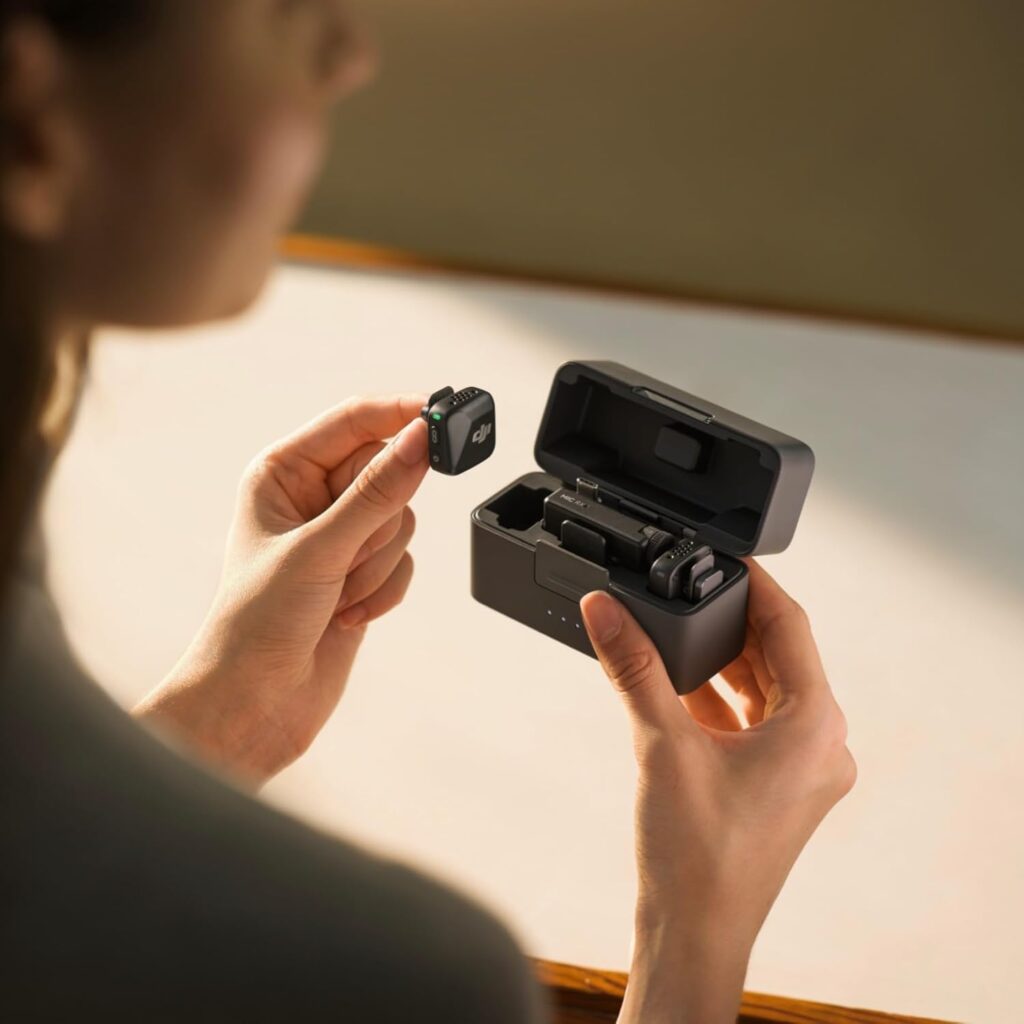
The DJI Mic Mini is the lightest and simplest microphone in DJI’s lineup. It’s designed for creators who want clean wireless audio with minimal setup and no added complexity.
It works especially well for:
- TikTok and Instagram Reels
- Casual YouTube videos
- Travel content
- Smartphone-only recording
Where the Mic Mini stands out is single-session battery runtime. It delivers the longest continuous operating time of the three models, making it ideal for extended casual recording sessions.
The tradeoff is critical to understand:
There is no internal recording or onboard storage.
All audio is captured by your phone or camera. If the wireless connection drops or recording stops, there is no backup file.
For short-form content, this is usually acceptable.
For one-take, paid, or non-repeatable work, it’s a limitation.
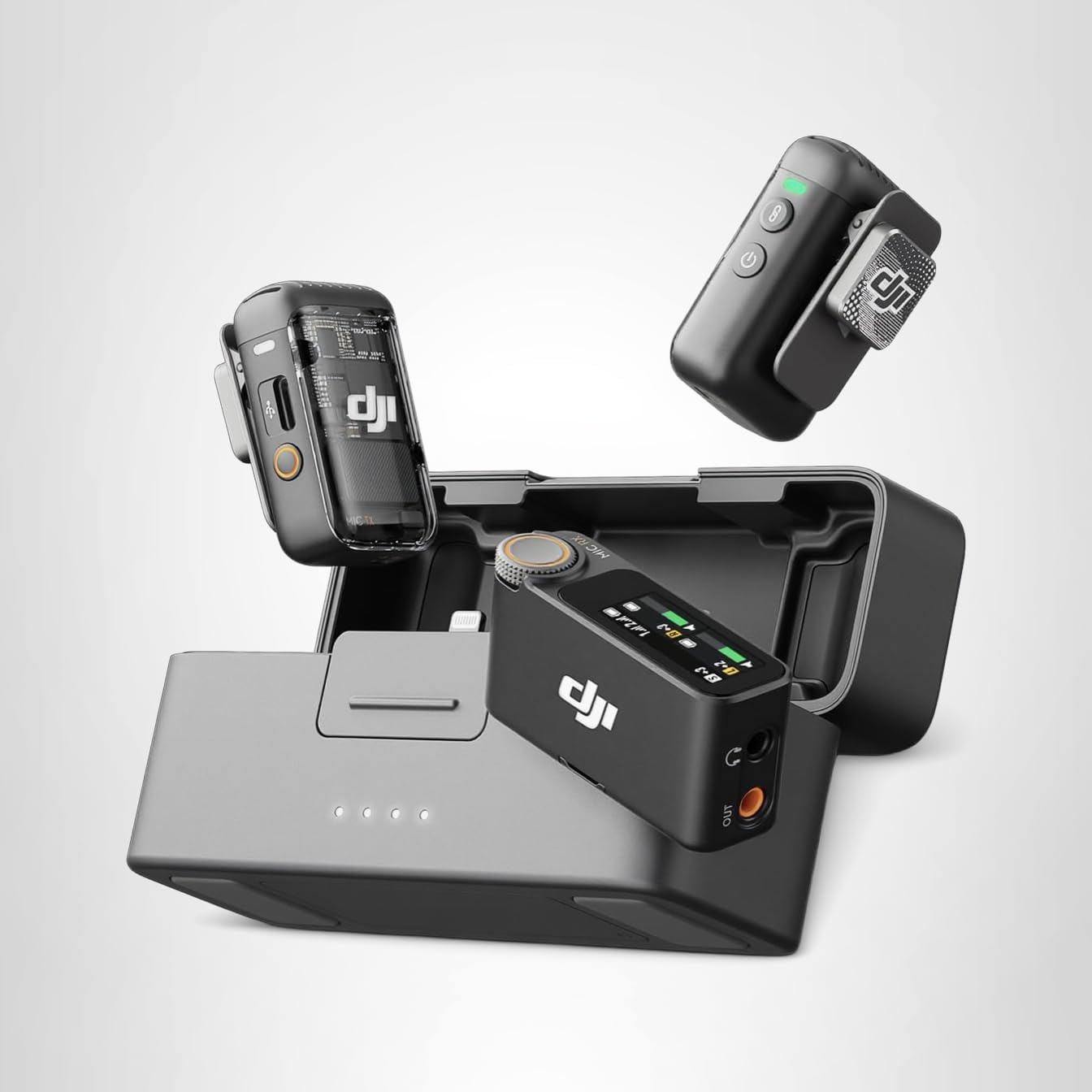
DJI Mic 2: Built-In Safety for Long Recordings
The DJI Mic 2 is where DJI’s microphones begin to feel purpose-built for serious creators. It maintains a simple workflow while adding internal recording with onboard storage, dramatically reducing the risk of lost audio.
Each transmitter includes approximately 8 GB of internal storage, allowing the microphone to record audio internally as a safety track.
That internal recording protects you if:
- A camera battery dies
- A recording app crashes
- Wireless interference causes dropouts
In real-world terms, 8 GB of internal storage equates to roughly 26–32 hours of backup audio per transmitter, depending on recording settings. This is more than sufficient for long interviews, talking-head sessions, and single-location shoots.
Battery runtime per session is shorter than the Mic Mini because internal recording and audio processing consume additional power. The tradeoff is recording security over raw runtime.
This makes the Mic 2 a strong fit for:
- Interviews
- Long talking-head videos
- YouTube creators
- Anyone who cannot afford to reshoot due to audio failure
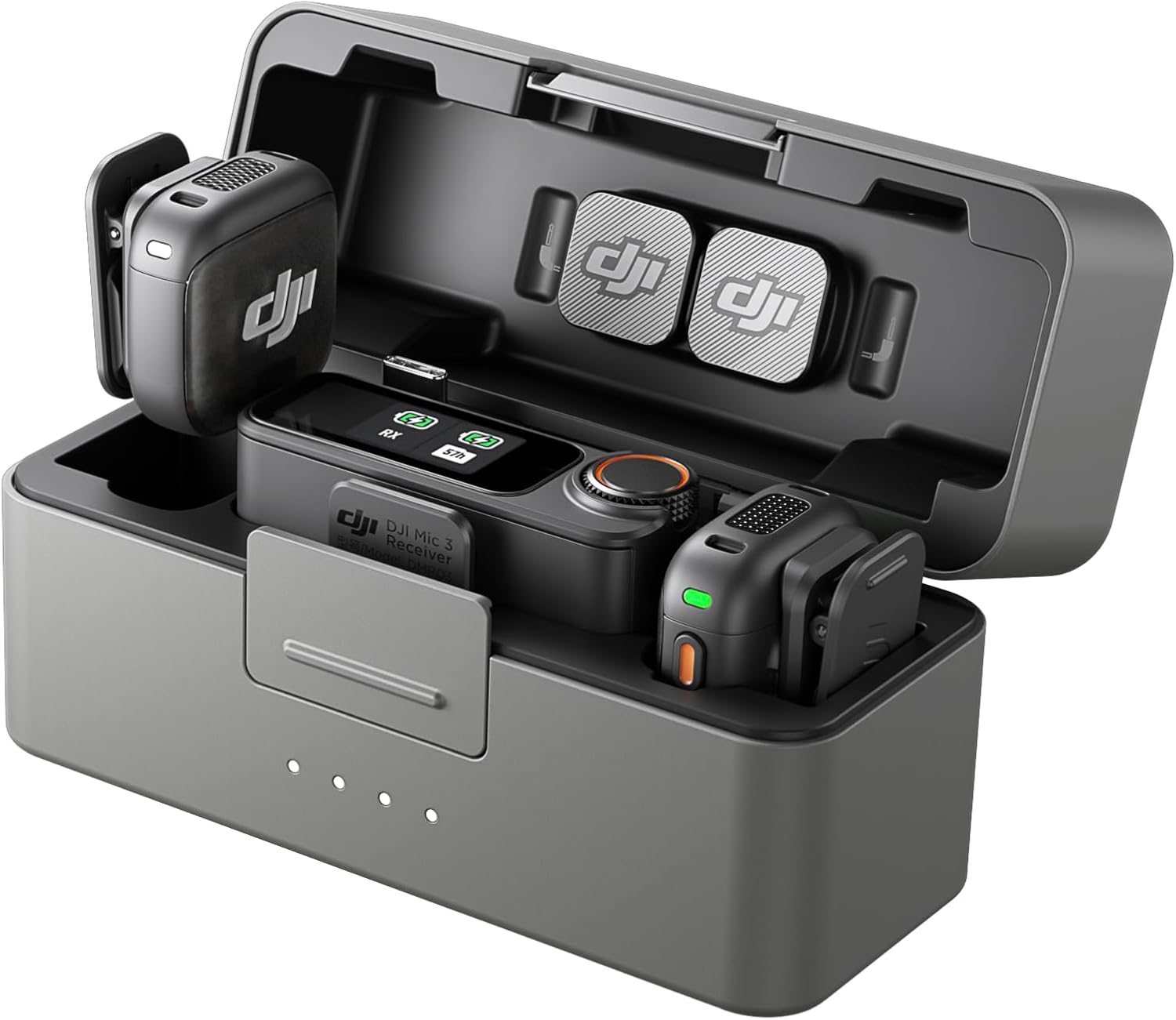
DJI Mic 3: Reliability First, Everything Else Second
The DJI Mic 3 is designed for creators who cannot afford mistakes. It builds directly on the Mic 2 by adding significantly more internal storage, stronger wireless stability, and greater recording flexibility.
Each transmitter includes approximately 32 GB of internal storage, a fourfold increase over the Mic 2. In practical terms, this supports roughly 100–120 hours of backup audio per transmitter, making it suitable for multi-day, multi-location, and non-repeatable shoots without constant file management.
This expanded storage is the single biggest functional upgrade from Mic 2 to Mic 3.
Wireless stability is also improved. The Mic 3 handles crowded environments filled with Wi-Fi and Bluetooth traffic more reliably—conditions commonly found in offices, cities, events, and client locations.
This microphone makes the most sense for:
- Real estate walkthroughs
- Events and conferences
- Paid client work
- Long-form or multi-location shoots
Battery Runtime vs Internal Storage (Important Distinction)
These are two different limits, and confusing them leads to bad buying decisions.
Battery Runtime
- Determines how long the mic can stay powered on in one session
- Can be extended using the charging case
Internal Storage
- Determines how much audio can be recorded independently
- Acts as a safety net if wireless recording fails
- Fixed per transmitter
You can recharge batteries.
You cannot recover lost audio.
Operating Time: What to Expect in Practice
- DJI Mic Mini offers the longest single-session battery runtime
- DJI Mic 3 balances runtime with advanced processing and stability
- DJI Mic 2 has the shortest per-session runtime due to internal recording overhead
In real-world use, all three rely on their charging cases to extend total daily recording time.
Wireless Stability: Why It Matters More Than Range
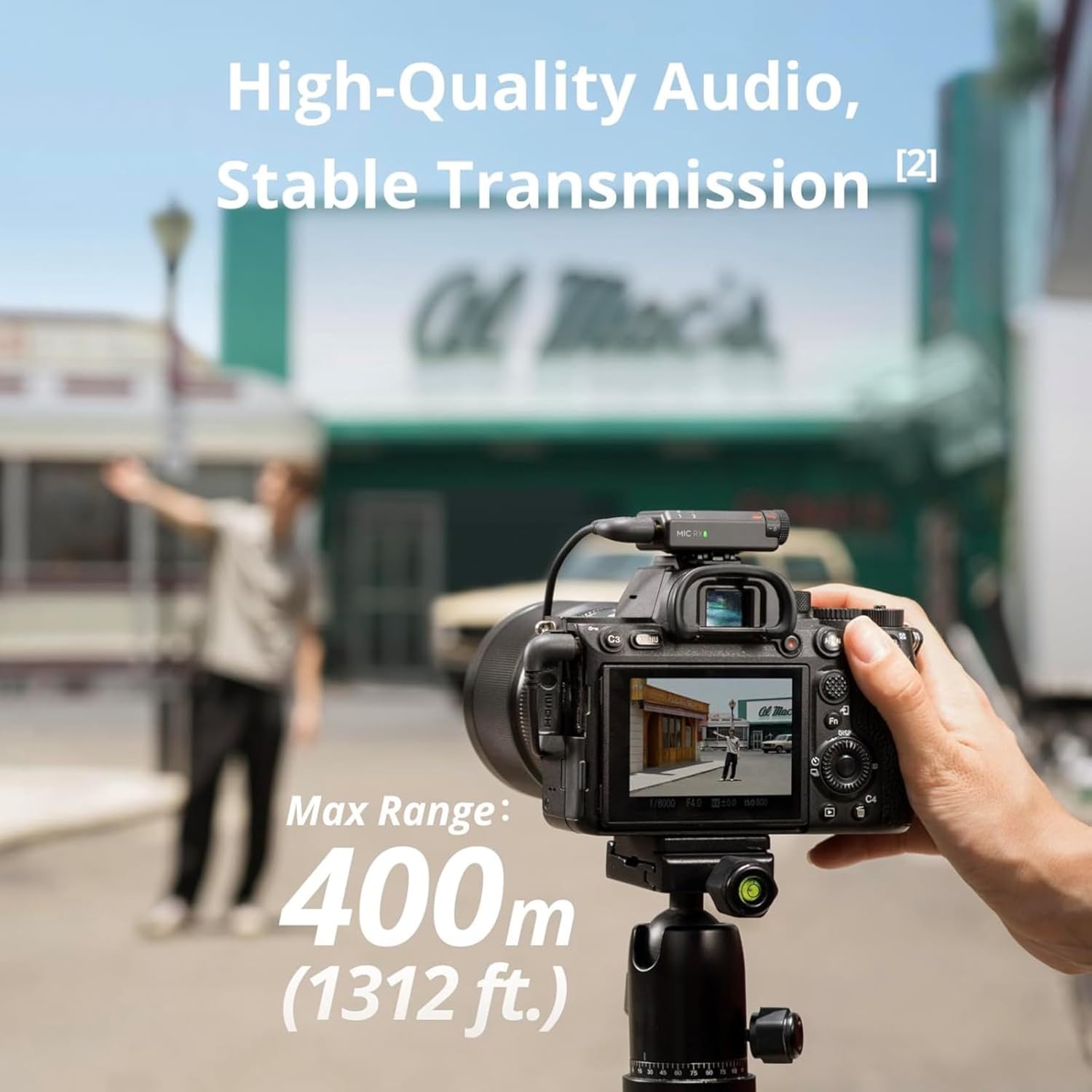
All three microphones support long-range transmission in open environments. The real difference is how they perform under interference.
- Mic Mini performs best in low-interference settings
- Mic 2 handles typical home and office environments well
- Mic 3 is the most stable in dense wireless conditions
If you record indoors, in cities, or near other wireless devices, this difference becomes noticeable quickly.
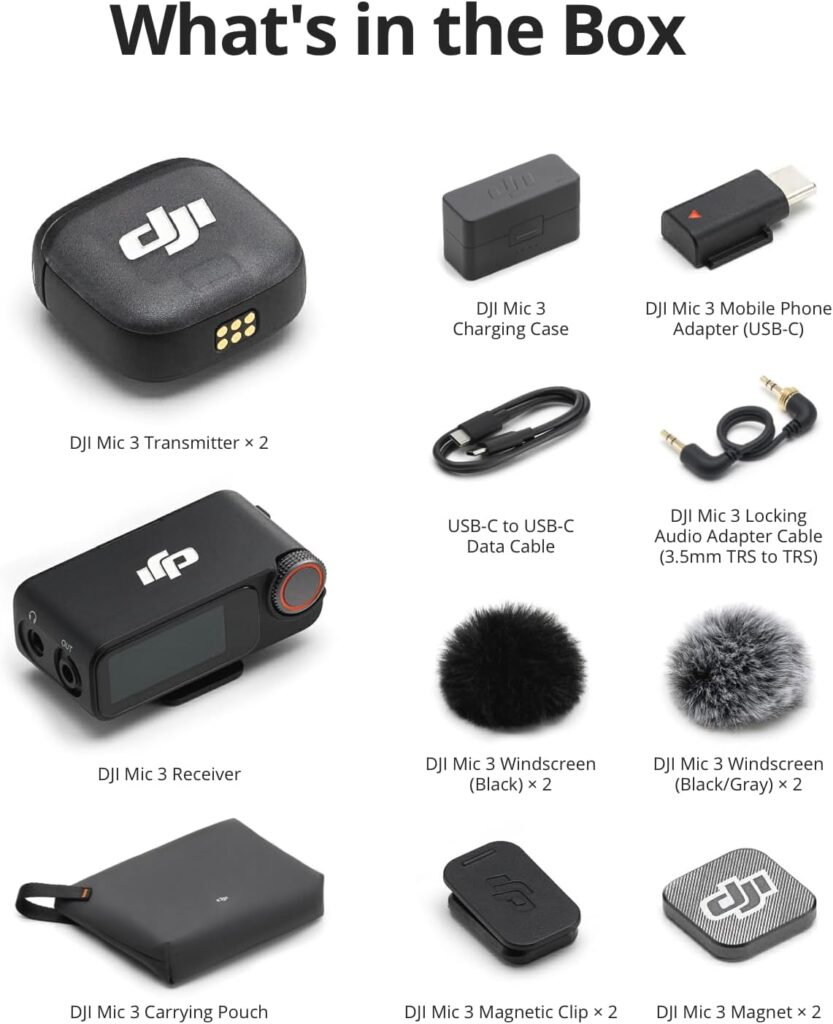
What’s Included in Each Kit
| Feature | DJI Mic Mini | DJI Mic 2 | DJI Mic 3 |
|---|---|---|---|
| Transmitters | 2 | 2 | 2 |
| Receiver | 1 | 1 | 1 |
| Charging case | Yes | Yes | Yes |
| Internal recording | No | Yes | Yes |
| Internal storage | None | 8 GB | 32 GB |
| Wireless stability | Basic | Improved | Advanced |
| Best for | Short-form creators | Long recordings | Professional work |
Kit contents may vary by region or bundle.
Which DJI Microphone Should You Choose?
Choose DJI Mic Mini if:
- Battery life matters more than backup recording
- You create short-form content
- You want the lightest, simplest setup
Choose DJI Mic 2 if:
- You record interviews or long videos
- You want internal backup audio
- You value recording safety over runtime
Choose DJI Mic 3 if:
- You work in busy wireless environments
- You create paid or non-repeatable content
- You want maximum reliability and storage flexibility
Final Thoughts
DJI’s wireless microphone lineup is structured so creators can choose the level of reliability and protection that matches their workflow. From casual mobile recording to professional, non-repeatable shoots, each microphone fills a clear role.
Understanding how you record matters far more than simply choosing the newest or most expensive option.
This comparison is part of our broader DJI Products Hub, where we break down DJI drones, cameras, microphones, and accessories by real-world use.
Affiliate Disclosure
Some links on this site may be affiliate links. If you make a purchase through these links, PrimePeripheral.com may earn a commission at no additional cost to you. This helps support continued testing, research, and content creation.