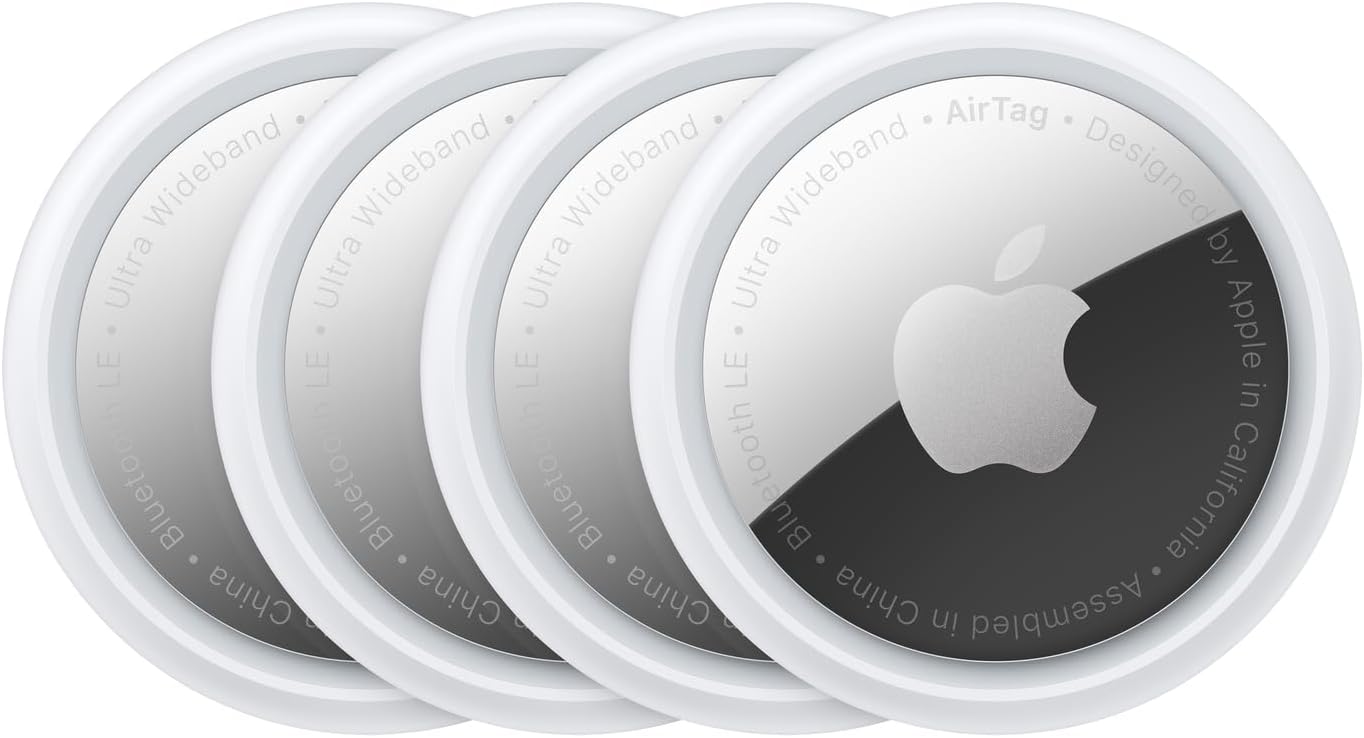
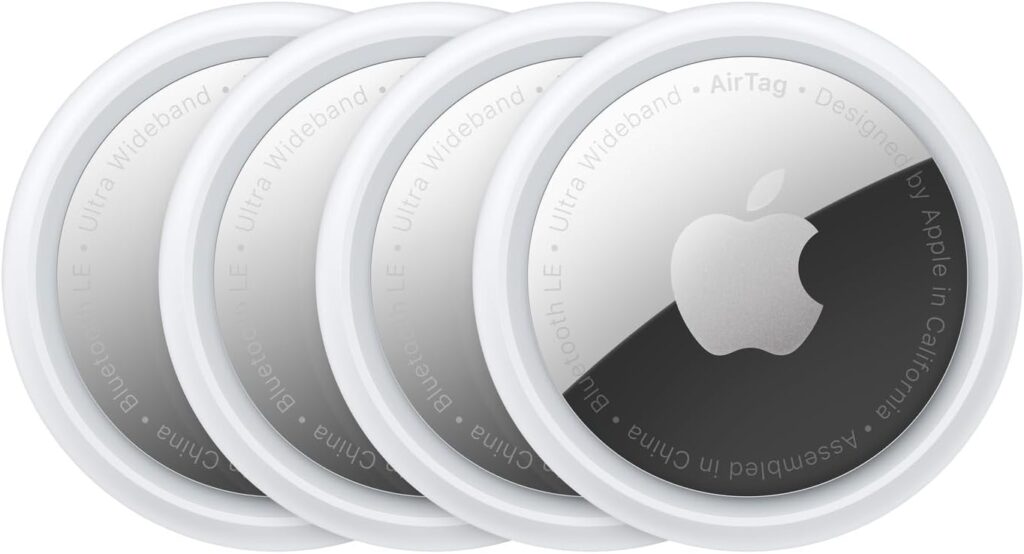
Losing keys, a wallet, or a backpack isn’t a technology problem — it’s an everyday one. The Apple AirTag 4 Pack is designed for exactly that reality: helping Apple users quickly locate common personal items without complicated setup, subscriptions, or extra hardware.
If you already use an iPhone or iPad, AirTag integrates directly into tools you’re already using, which is where it separates itself from most Bluetooth trackers.
This review looks at how the Apple AirTag 4 Pack performs in real-world use, where it works best, and how it compares to other popular Bluetooth trackers.
What the Apple AirTag Is (and Is Not)
An AirTag is a Bluetooth-based item tracker that works through Apple’s Find My network. You attach it to an item, and if that item is misplaced, nearby Apple devices help update its location anonymously.
AirTag is not:
- A real-time GPS tracker
- A vehicle tracker
- A pet tracker
It’s designed for personal belongings that get left behind, not constantly moving targets.
Setup: One Tap, No Apps, No Accounts
This is where AirTag stands out.
Setup process:
- Bring the AirTag close to your iPhone or iPad
- Tap “Connect”
- Name the item
- Done
No app installs, no third-party accounts, no Bluetooth troubleshooting. For Apple users, it’s one of the simplest device pairings available.
How AirTag Tracking Works in Real Use

Nearby Tracking (Bluetooth Range)
When your item is nearby:
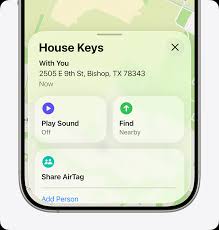
- You can play a sound on the AirTag
- Compatible iPhones support Precision Finding, showing distance and direction on screen
This works especially well inside homes, offices, or vehicles.
Long-Range Tracking (Find My Network)
When your item is far away:
- Nearby Apple devices detect the AirTag
- Location updates appear in the Find My app
- Data is encrypted and anonymous
This network effect is the reason AirTags perform well in airports, hotels, and dense urban areas.
Precision Finding uses Apple’s Ultra Wideband technology on supported iPhones to guide you directly to the AirTag.
Best Use Cases for the AirTag 4 Pack
The 4-pack makes sense if you want to track multiple everyday items:
- Keys
- Wallet (with holder)
- Backpack or laptop bag
- Luggage
- Camera or gear bag
If you regularly travel or carry multiple bags, the multi-pack is usually better value than buying single AirTags.
Battery Life & Maintenance
- Uses a CR2032 coin battery
- Typical lifespan: about 1 year
- User-replaceable
- Battery alerts appear automatically on iPhone
No charging cables, docks, or proprietary batteries required.
Privacy & Safety Considerations
Apple built AirTags with multiple safeguards:
- Location data is encrypted
- Apple cannot see AirTag locations
- Anti-stalking alerts notify nearby users of unknown AirTags
This makes AirTag one of the more privacy-conscious tracking options available.
Comparison: AirTag vs Other Popular Trackers
🔍 Feature Comparison
| Feature | Apple AirTag | Tile Pro | Chipolo ONE |
| Works with iPhone | ✅ Yes | ✅ Yes | ✅ Yes |
| Works with Android | ❌ No | ✅ Yes | ✅ Yes |
| Setup simplicity | ⭐⭐⭐⭐⭐ | ⭐⭐⭐ | ⭐⭐⭐⭐ |
| Network size | Very large (Find My) | Moderate | Smaller |
| Precision finding | ✅ Yes (newer iPhones) | ❌ No | ❌ No |
| Battery | Replaceable | Replaceable | Replaceable |
| Subscription required | ❌ No | ⚠️ Optional | ❌ No |
🧭 Which One Should You Choose?
- Choose AirTag if:
- You use iPhone or iPad
- You want the largest tracking network
- You value easy setup and privacy
- Choose Tile or Chipolo if:
- You use Android
- You want cross-platform support
- You’re okay with smaller tracking networks
For Apple users, AirTag remains the most seamless option.
Pros & Cons (Quick Take)
✅ Pros
- Extremely easy setup
- Deep Apple ecosystem integration
- Massive Find My network
- No subscription fees
- Long battery life
❌ Cons
- Apple-only ecosystem
- Accessories sold separately
- Not real-time GPS
Final Verdict (Morgan Reed)
The Apple AirTag 4 Pack isn’t trying to replace GPS trackers or security devices — and that’s a good thing. It focuses on solving a common problem with minimal friction.
If you’re already using Apple devices and want a reliable, low-maintenance way to find everyday items, AirTag remains one of the most practical options available.
👉 Check current pricing and availability
FAQ
Does AirTag require a monthly fee?
No. There are no subscriptions.
Can AirTag track luggage while traveling?
Yes, especially in airports and busy areas. Updates depend on nearby Apple devices.
Can I share AirTag locations with family?
Yes, location sharing is supported through Find My.
Will AirTag work without internet?
Your phone needs internet to see location updates, but the AirTag itself does not require a data connection.
Affiliate Disclosure
Some links on this site may be affiliate links. If you make a purchase through these links, PrimePeripheral.com may earn a commission at no additional cost to you. This helps support continued testing, research, and content creation.